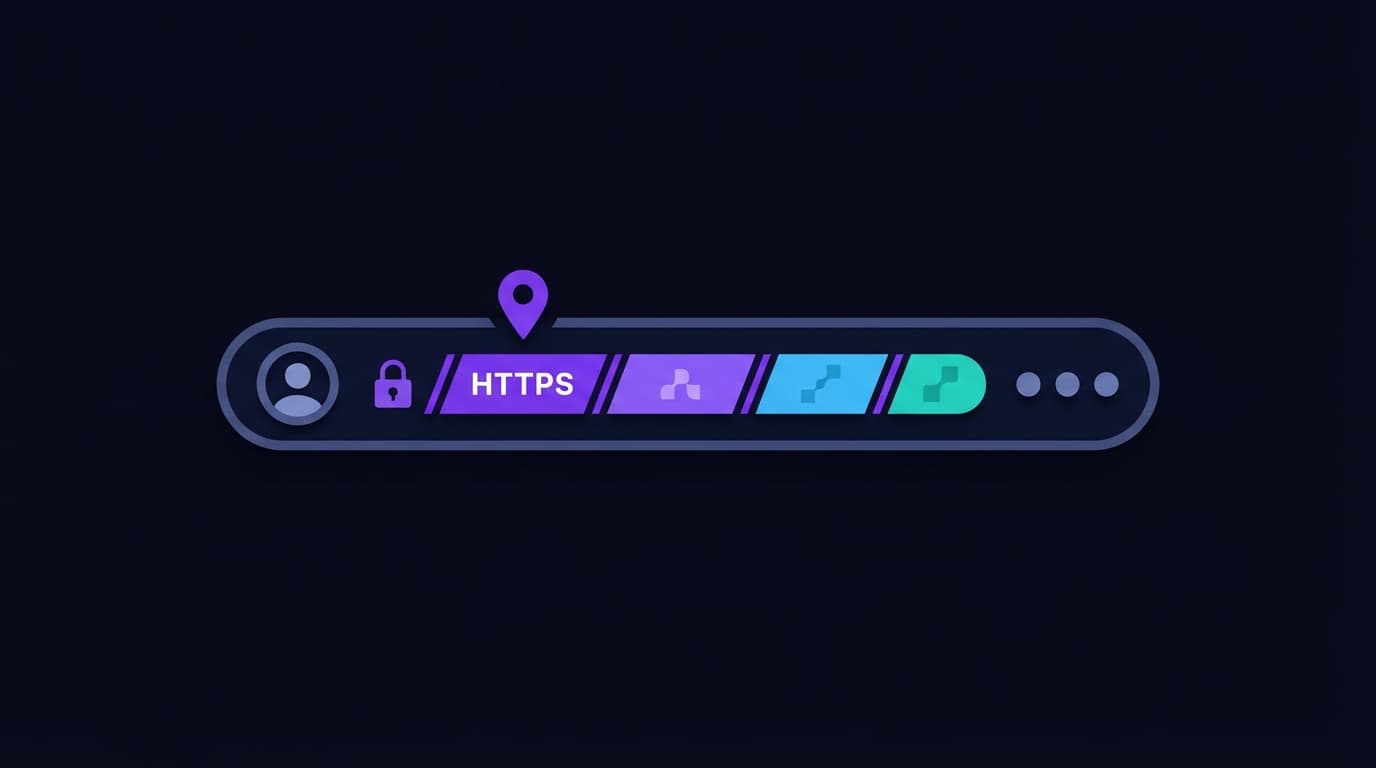
What Is a URL? Every Part Explained Simply (With Examples)
Every time you click a link or type a web address, you are using a URL. The term is everywhere — but most people have never had its structure explained clearly. Understanding URLs is more useful than it might seem: it helps you navigate websites, spot phishing attempts, understand how web applications work, and diagnose connection problems.
What Does URL Stand For?
URL stands for Uniform Resource Locator. The name is revealing: uniform means it follows a standardised format, resource means it points to a specific thing (not just a website — a page, image, video, file, or API response), and locator means it tells you how to find it.
What Is the Anatomy of a URL?
Take this example URL: https://www.domain360.site/blog/how-to-flush-dns?ref=search#step-2
Each segment has a name and a function.
Scheme (Protocol)
https:// is the scheme. It tells your browser which protocol to use to retrieve the resource. https means HyperText Transfer Protocol Secure — the encrypted version of http. The browser establishes an SSL/TLS connection before sending any data.
Other schemes: http:// (unencrypted, legacy), ftp:// (file transfers), mailto: (email), file:// (local files), data: (inline data).
Subdomain
www. is a subdomain. Subdomains are labels to the left of the domain name, separated by dots. They are completely optional and defined by whoever manages the DNS for the domain.
Common subdomains: www (the web server, traditional but not required), blog (a separate blog), app (a web application), api (an API endpoint), mail (used by some mail systems). A CNAME or A record in DNS resolves each subdomain to a server.
Domain Name
domain360.site is the domain name. This is the human-readable identifier that maps to one or more IP addresses via DNS. It has two parts: the second-level domain (domain360) and the top-level domain or TLD (.site). Together they form the registered domain — the one that needs to be registered, renewed, and tracked.
The domain is the component with the most ownership implications. You buy the domain from a registrar, protect it, and renew it annually. Everything else in a URL is either configuration (protocol, path) or infrastructure (DNS, servers). The domain is the anchor.
Path
/blog/how-to-flush-dns is the path. It specifies the exact resource requested on the server, analogous to a file path on a computer. The server interprets the path to determine what content to return.
Paths can be static (pointing to actual files on the server) or dynamic (interpreted by web application code). Modern web frameworks typically use dynamic paths that map to database queries or application logic.
Query String
?ref=search is the query string. Starting with ?, it passes additional parameters to the server. The format is key=value, with multiple parameters separated by &. Query strings are used for search terms, filters, analytics tracking (ref=search tells the server this visitor came from search), session state, and API parameters.
Fragment
#step-2 is the fragment identifier, sometimes called a hash. It references a specific section within the page — the browser scrolls to the element with id="step-2" without sending a new request to the server. Fragments exist and are processed entirely in the browser, which is why they appear in URLs but do not appear in server logs.
URLs and Phishing: What Should You Check?
Understanding URL structure makes phishing attempts more identifiable. Attackers often exploit the fact that most users only read the middle of a URL — the part that looks familiar.
In the URL http://paypa1.com.suspicious-domain.net/login, the actual domain is suspicious-domain.net, not paypal.com. The paypa1.com.suspicious-domain.net is a subdomain of suspicious-domain.net — the registrant controls the whole thing. The trusted-looking part before the last dot-separated segment before the slash is not the actual domain.
Always read URLs from the right side of the domain backward: find the slash, look left to the first dot, that is the TLD, look left to the next dot, that is the registered domain. If it does not match where you expect to be, do not proceed.
Why Is the Domain Name at the Center of a URL?
Of all URL components, the domain is the one with real-world ownership and renewal implications. A path or query string can change at any time with no external consequence. A domain that lapses means the entire URL — and everything else that depends on it — stops working. Our domain management guide covers keeping every domain you own reliably maintained.
Quick Answers
Never lose a domain again
Track every domain you own in one dashboard. Free for up to 15 domains.